

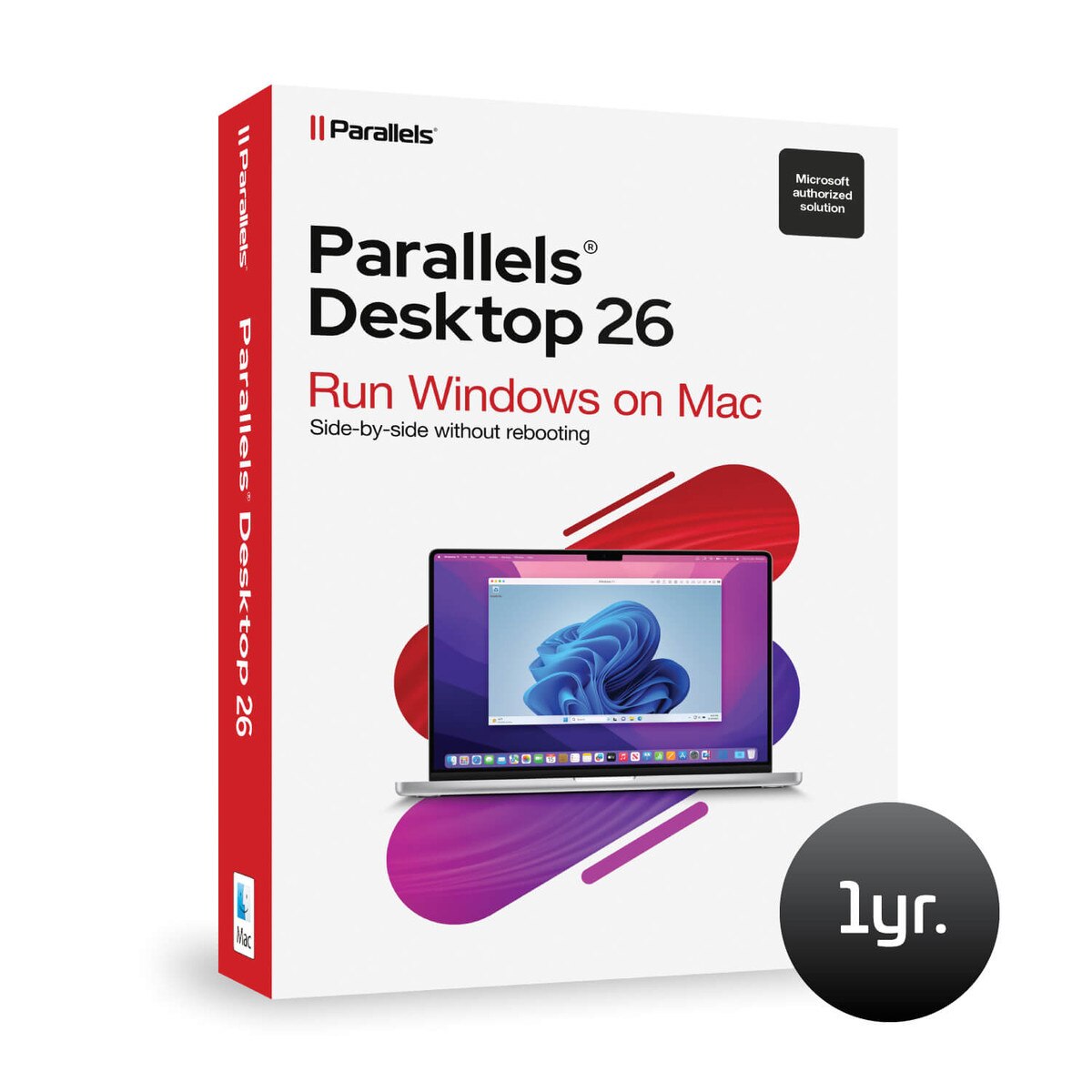
Parallels Desktop for Mac (1 Year)
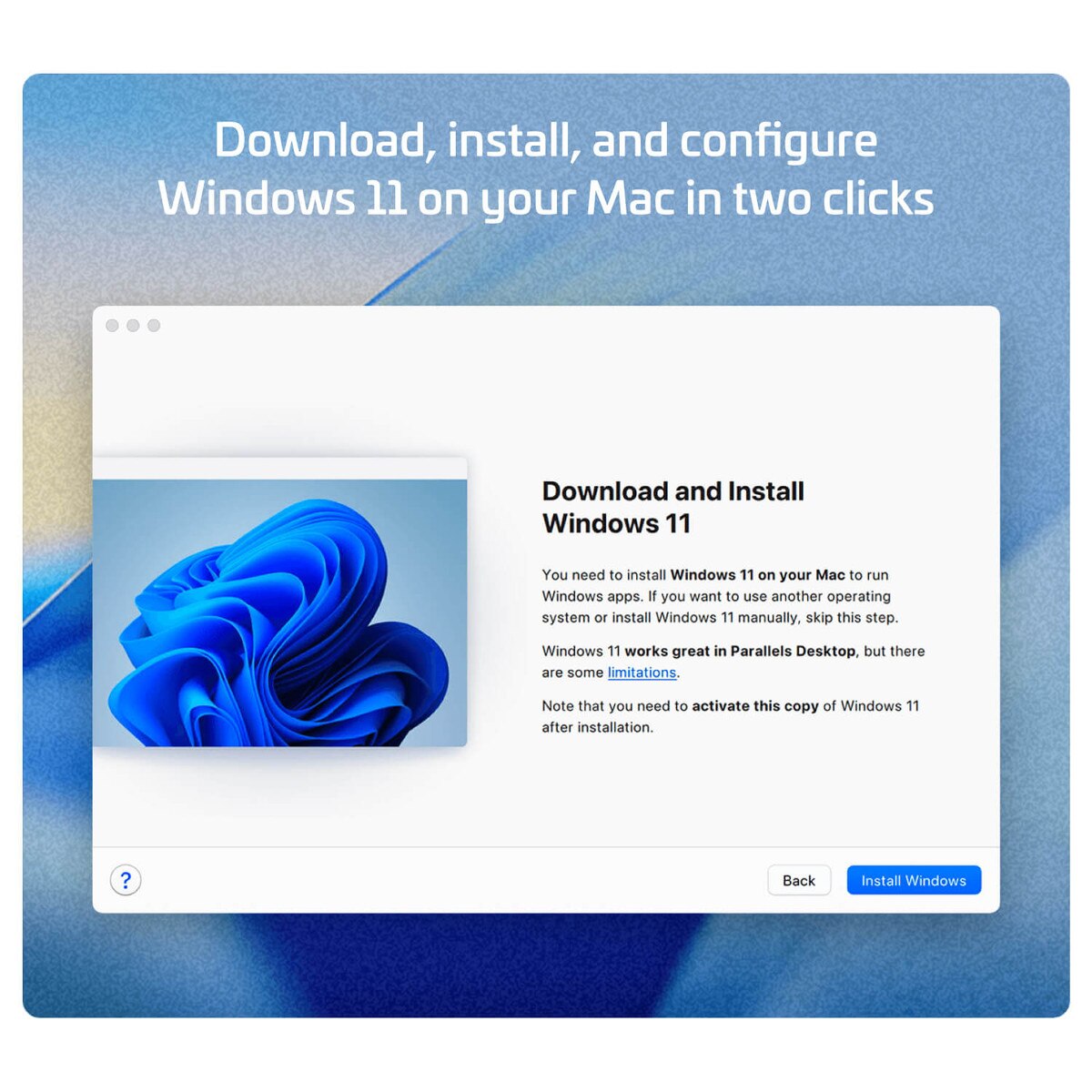
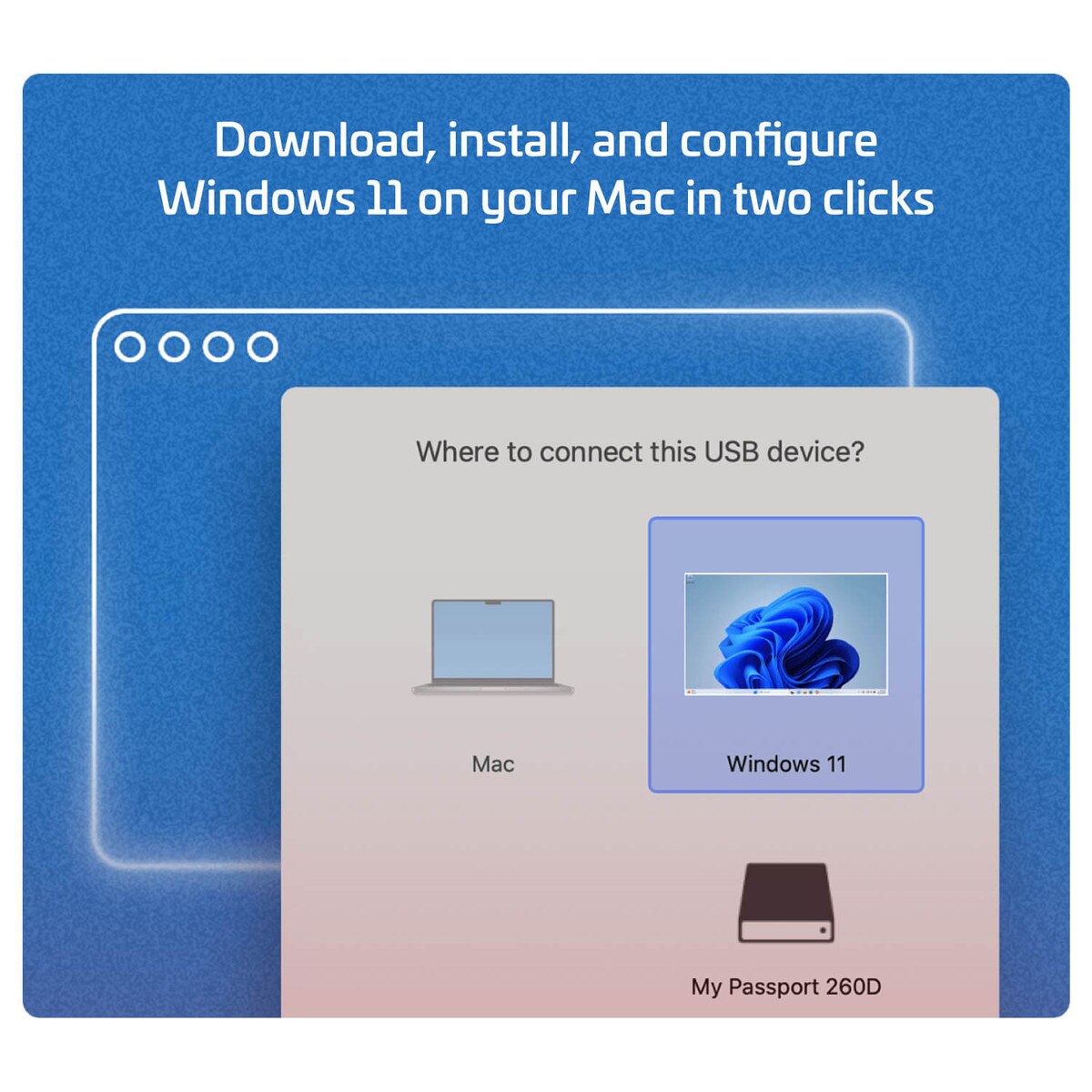
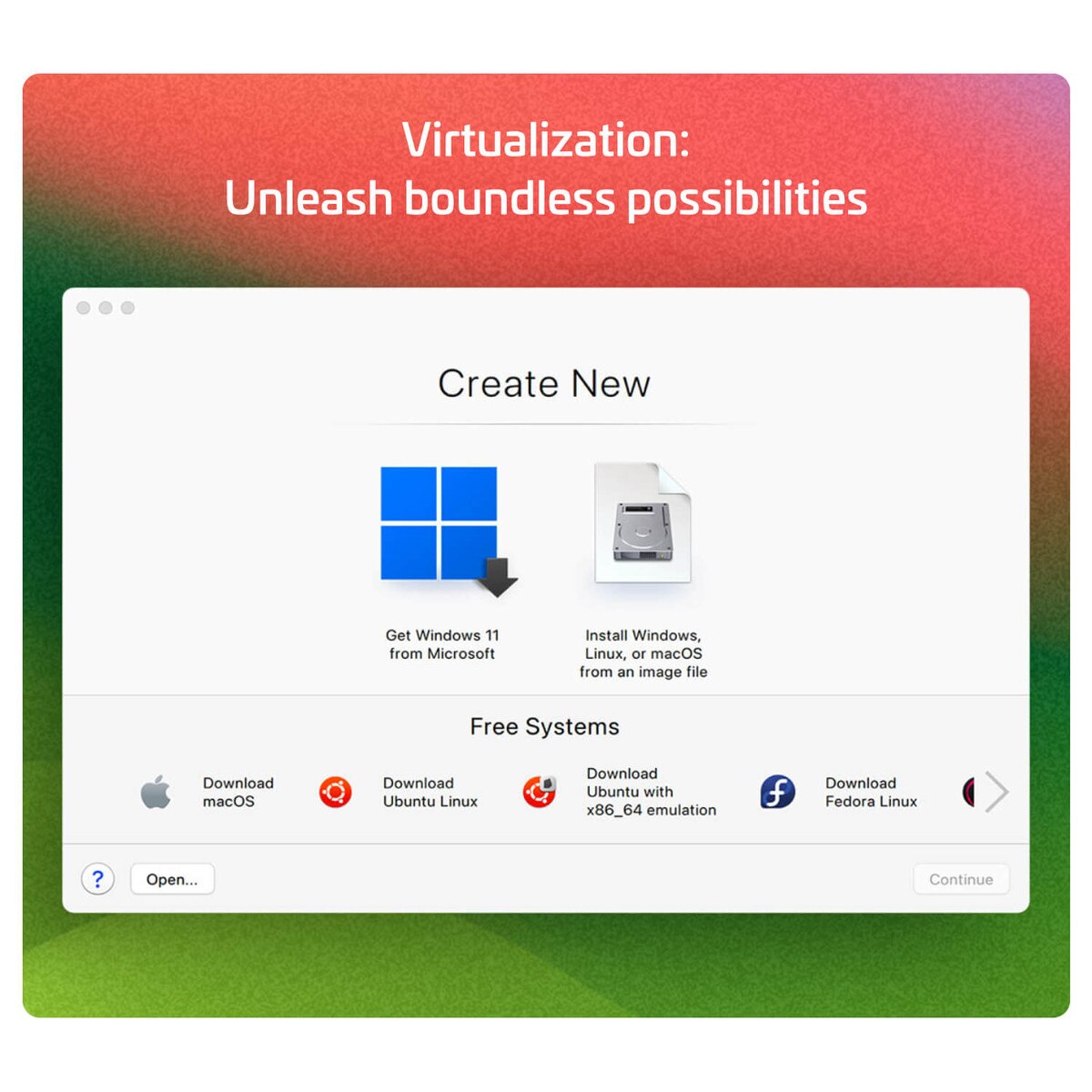
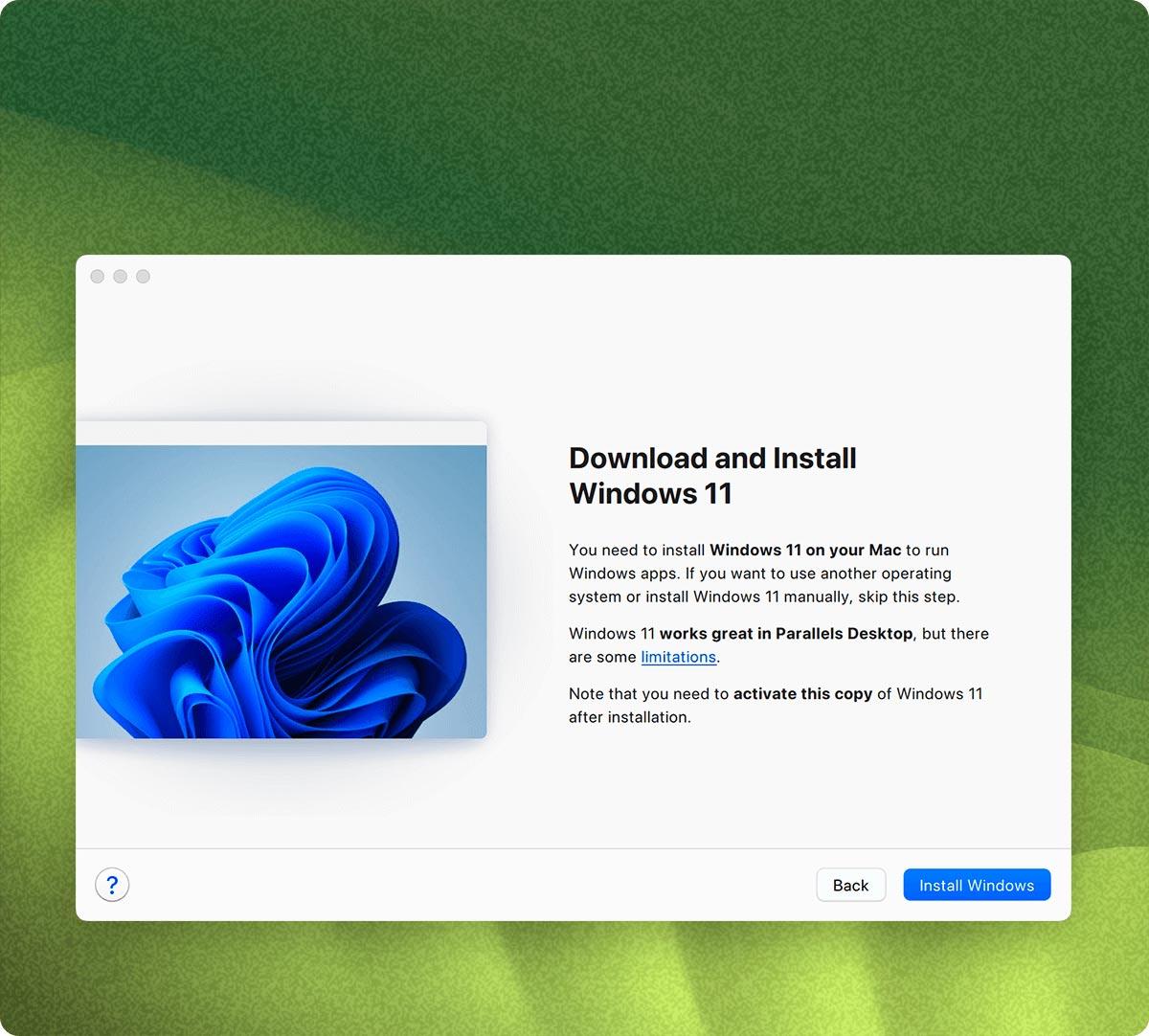
Install Windows 11 on your Mac in two clicks
With Parallels Desktop, you can effortlessly set up your system; there's no need to source a Windows image or grapple with installation and configuration. It's simplicity at its finest.
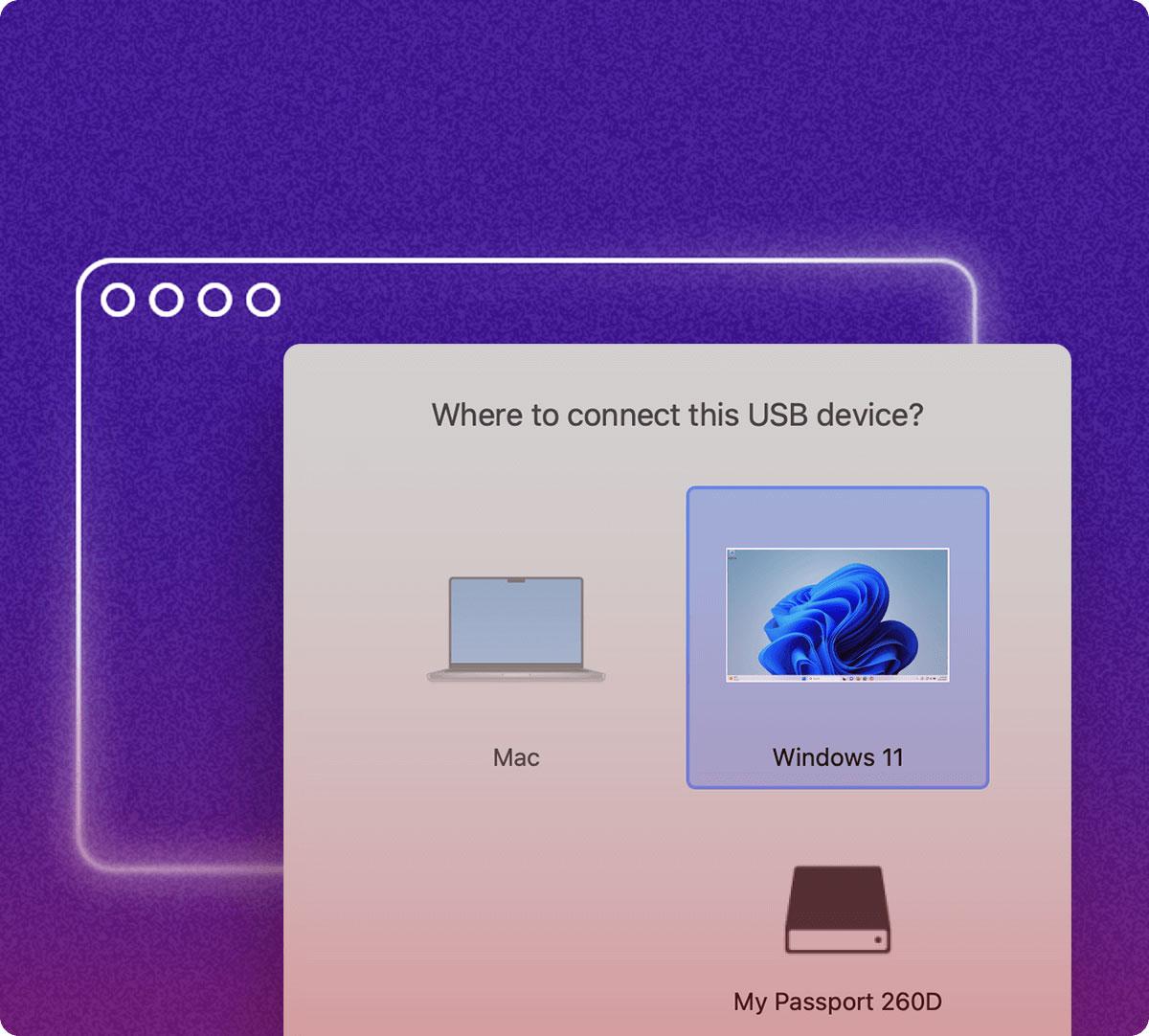
Experience a perfect synergy between macOS and Windows
Use your Mac camera, microphone, trackpad, sound, display, keyboard, and mouse with Windows. Enable USB Windows-only devices like printers and scanners; connect your Android phone and many other devices.
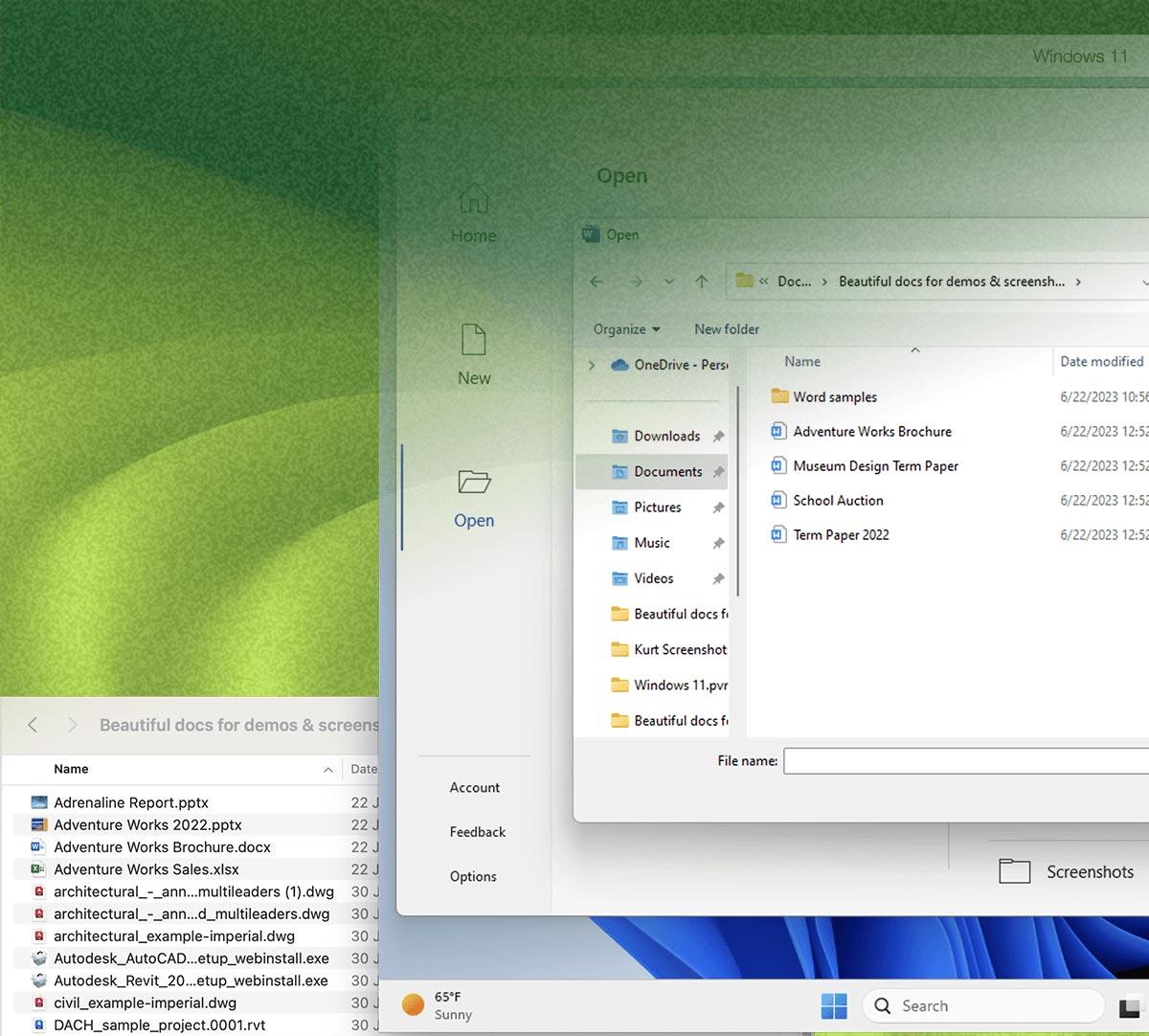
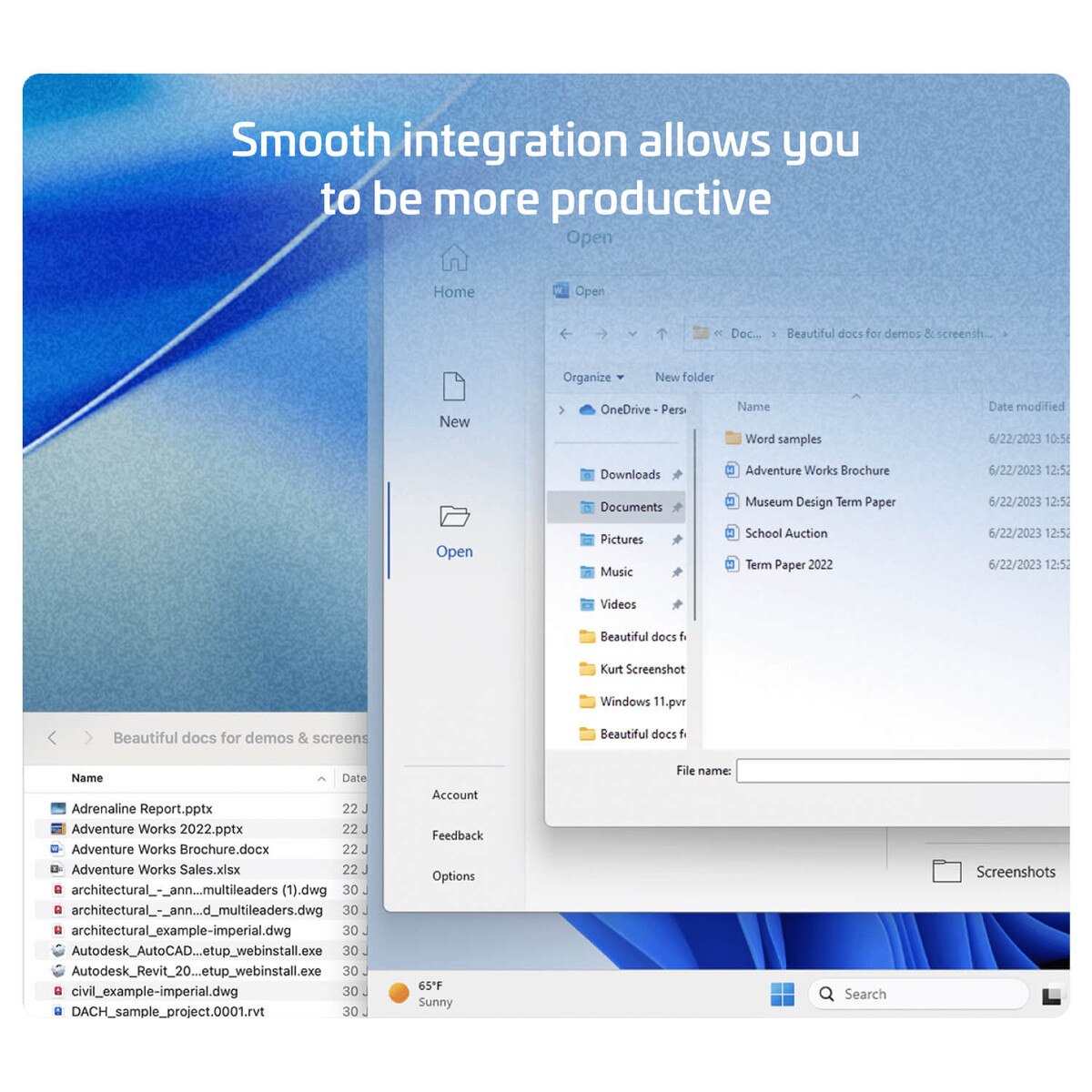
Smooth integration allows you to be more productive
Effortlessley move and share content between Mac and Windows.
Use Windows app side by side with Mac apps with Windows hidden.
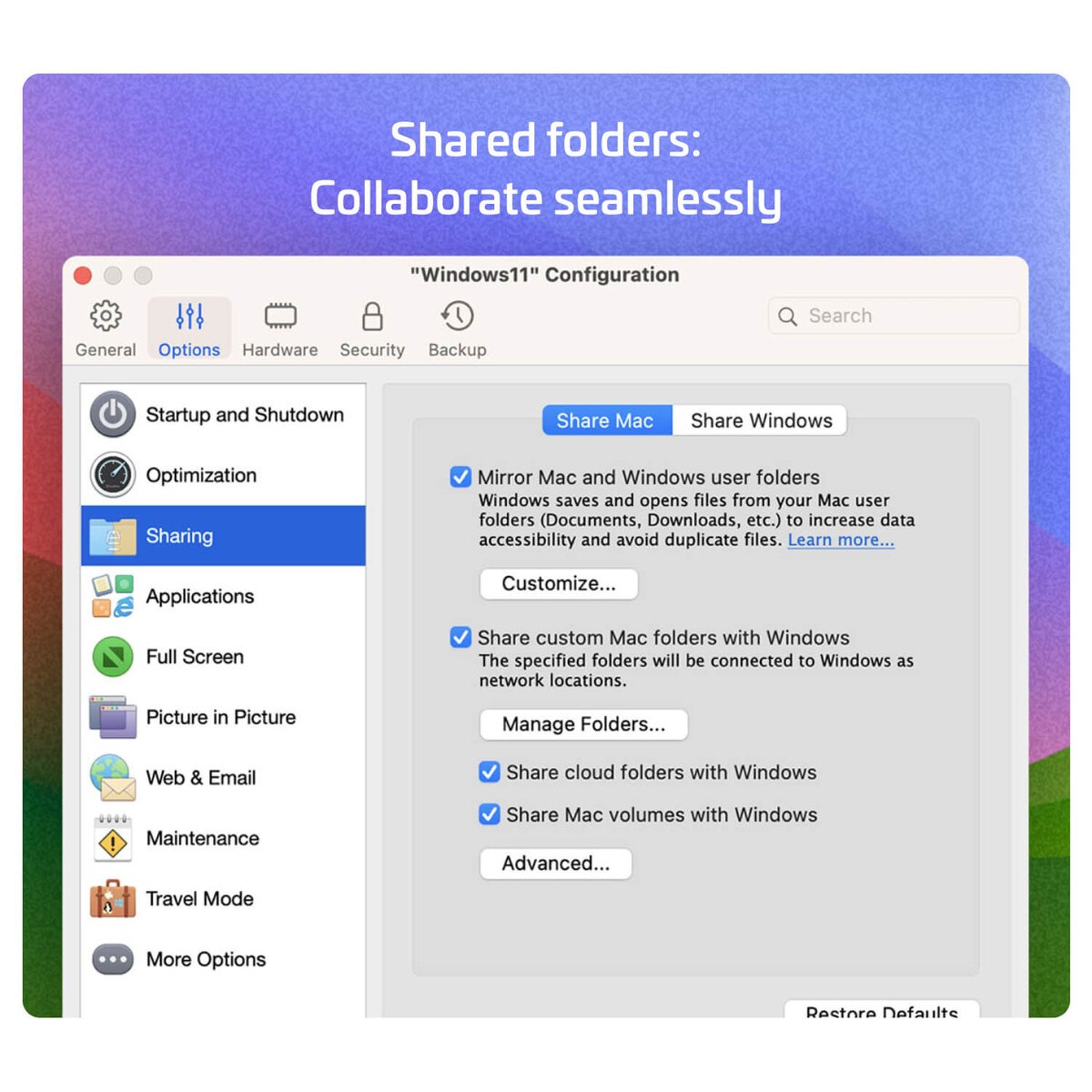
Easily access your Mac files in Windows to avoid duplicates.
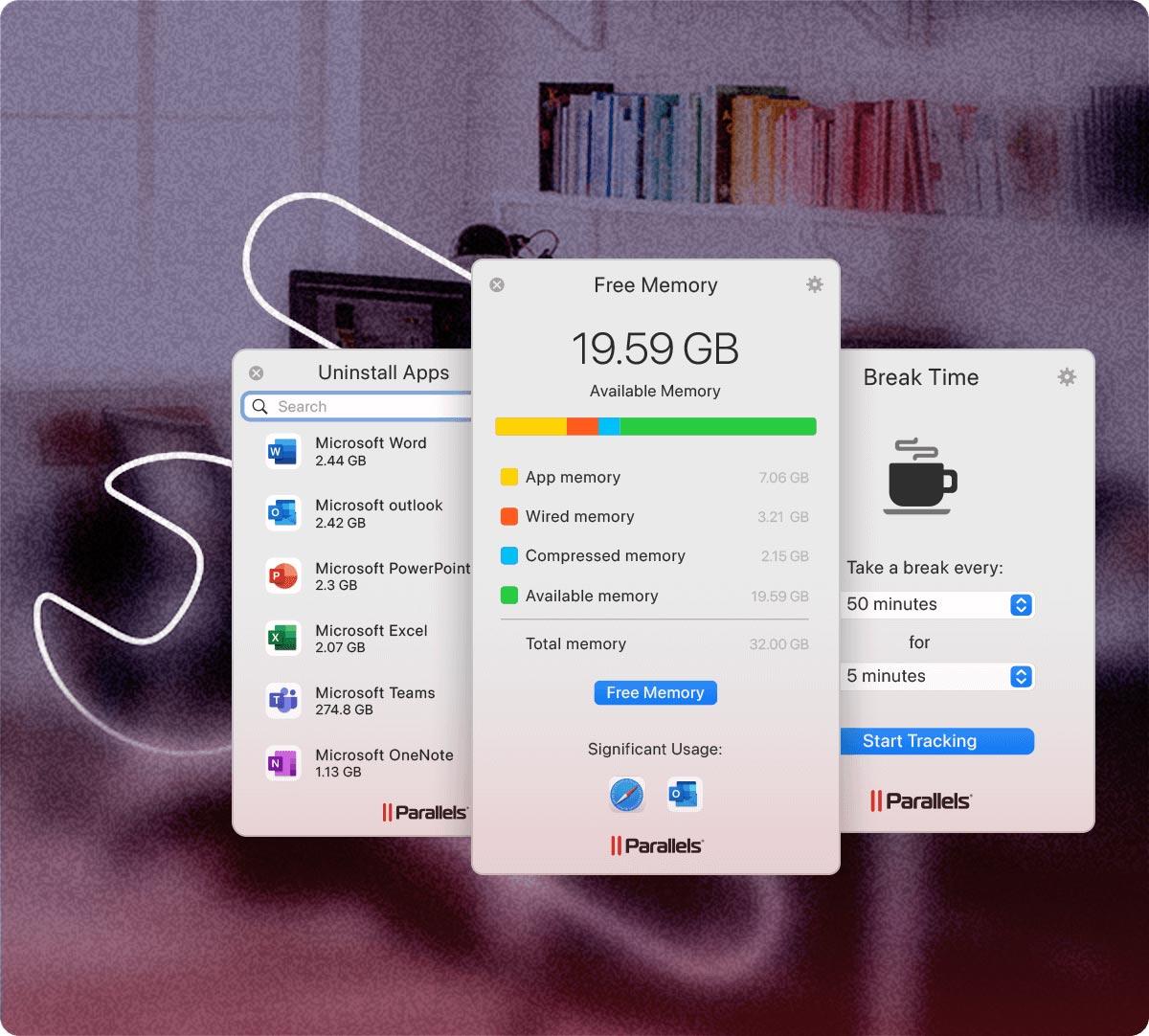
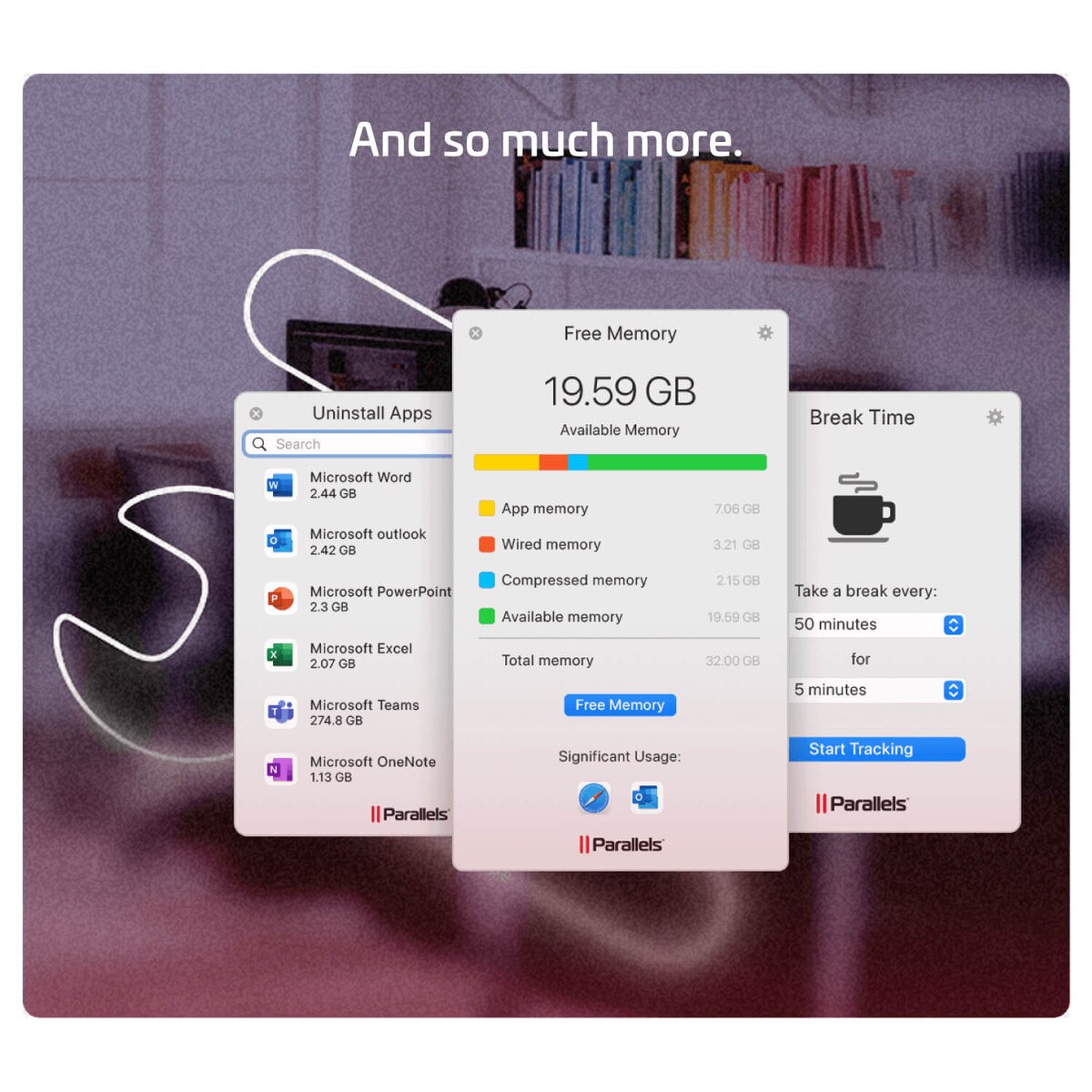
And so much more with Parallels Desktop for Mac
Polished and intuitive user experience.
Improved optimization and performance.
Subscriptions include Parallels® Toolbox and 24/7 support.
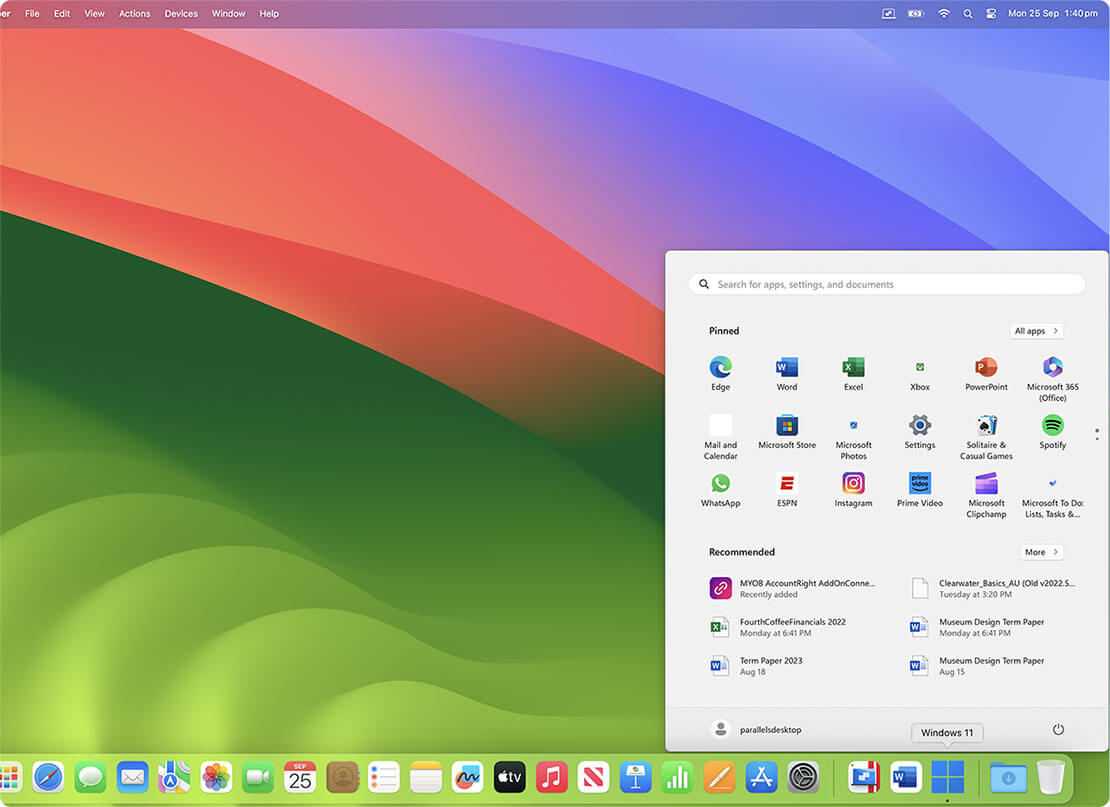
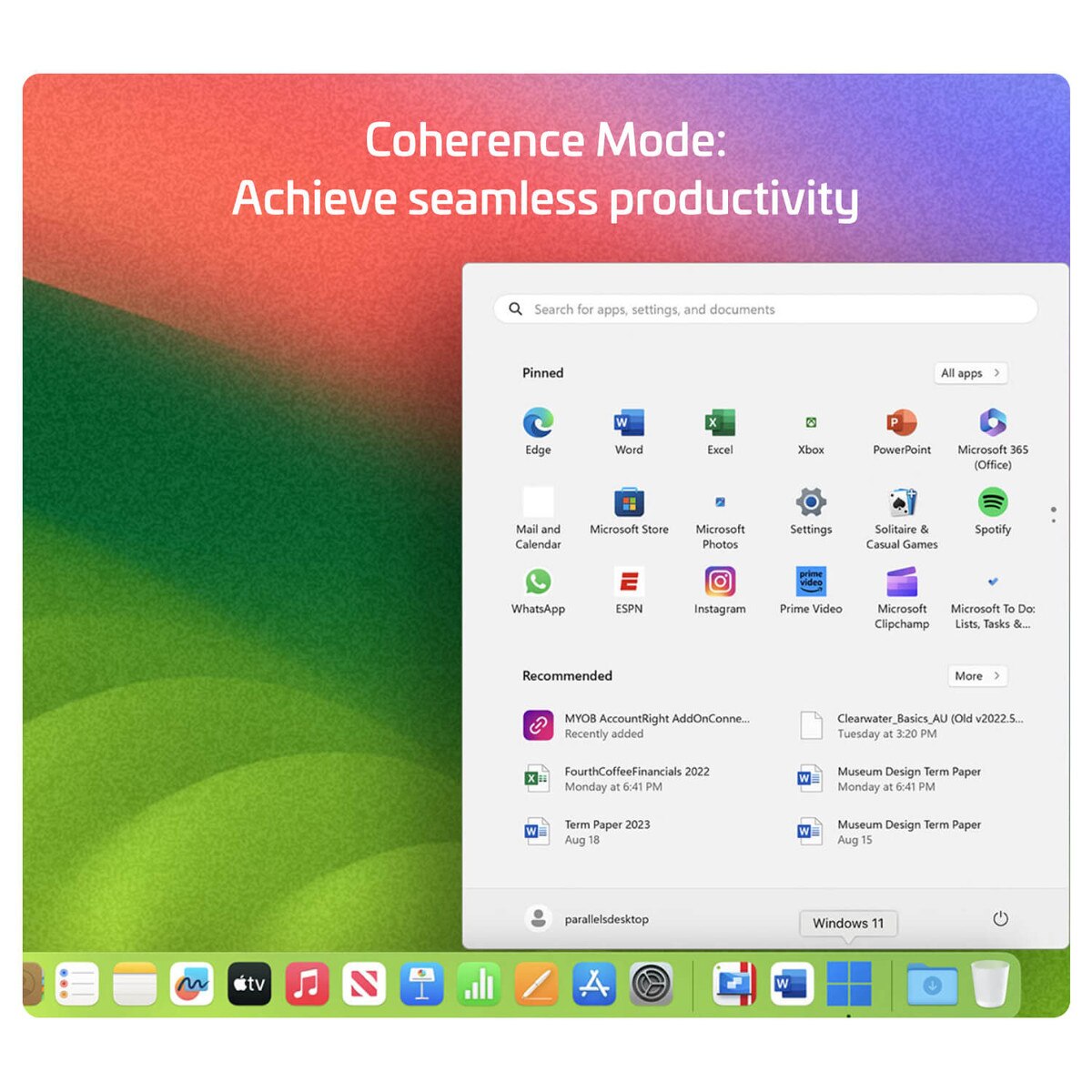
Choose your view with Coherence Mode
Make Windows invisible while still using its applications in Coherence Mode, or if you're new to Mac you can set Windows in full screen.
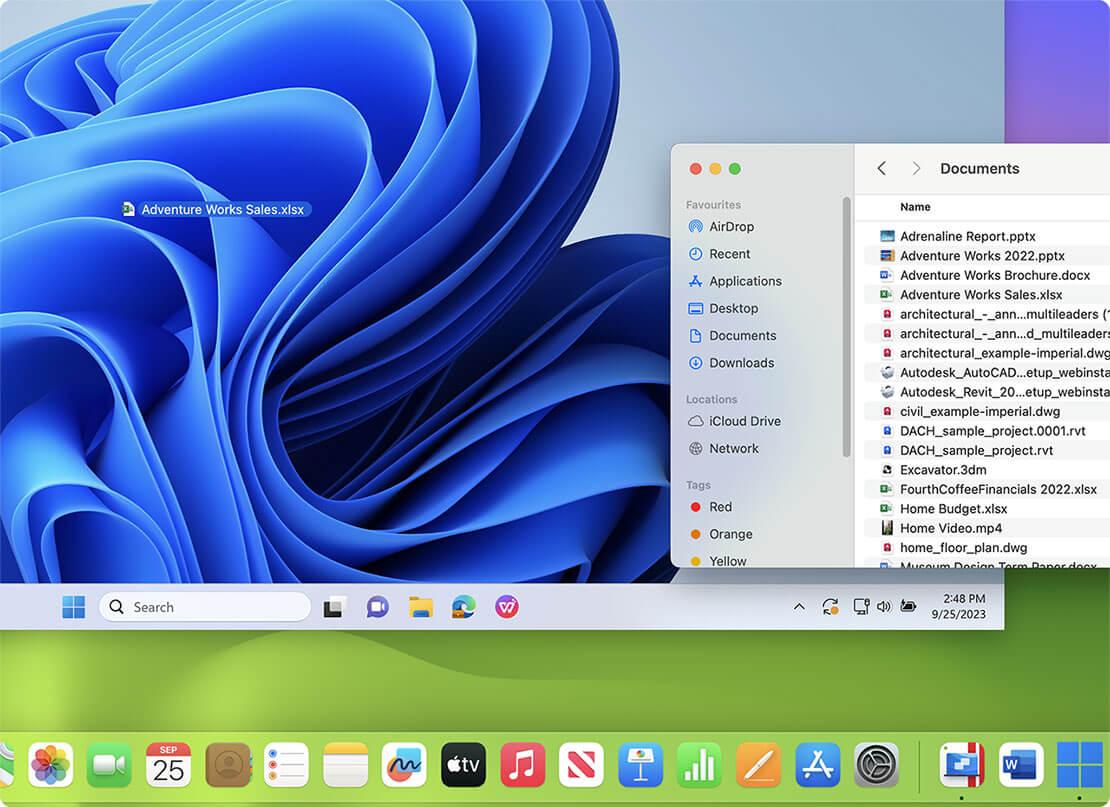
Drag and drop files between Windows and Mac Apps
Transfer files between operating systems without the need for external devices or complicated steps, improving productivity and making it more convenient.
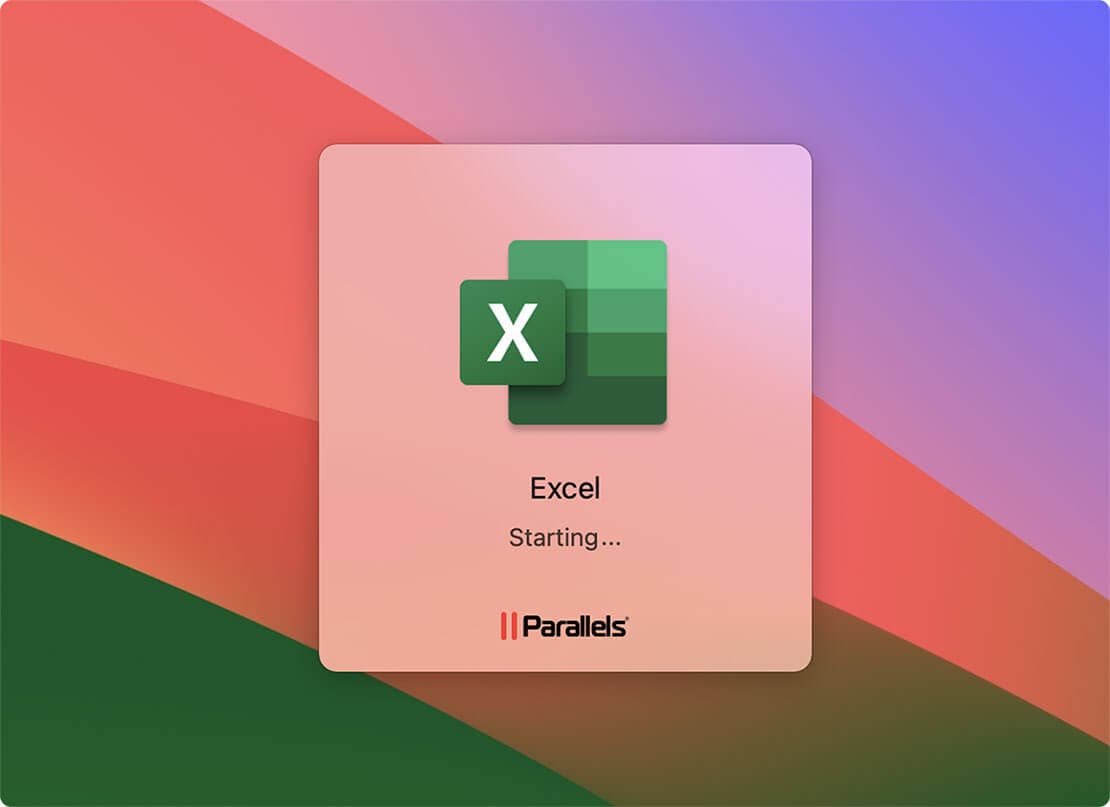
Open files on Finder with Windows
Directly access and open files stored on your Mac within the Windows environment, providing a seamless integration between the two platforms and allowing you to leverage the capabilities of Windows applications while conveniently accessing and manipulating files from your Mac's Finder.
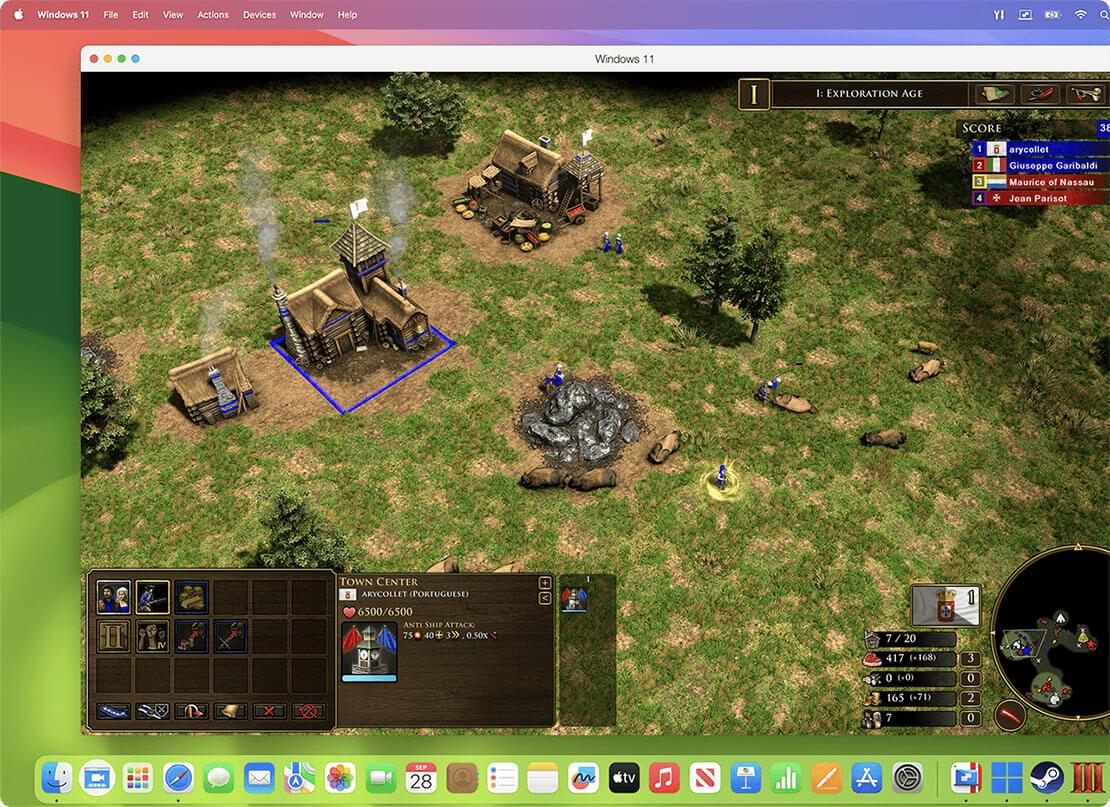
Play Windows-exclusive games on your Mac
Play many classic Windows-exclusive games on your Mac with the same optimal performance that you would on a PC, including Roblox, League of Legends, Minecraft, Half-Life 2, Age of Empires series, Fortnite, Fall Guys, Rocket League, and many more. (Supports up to DirectX 11)